


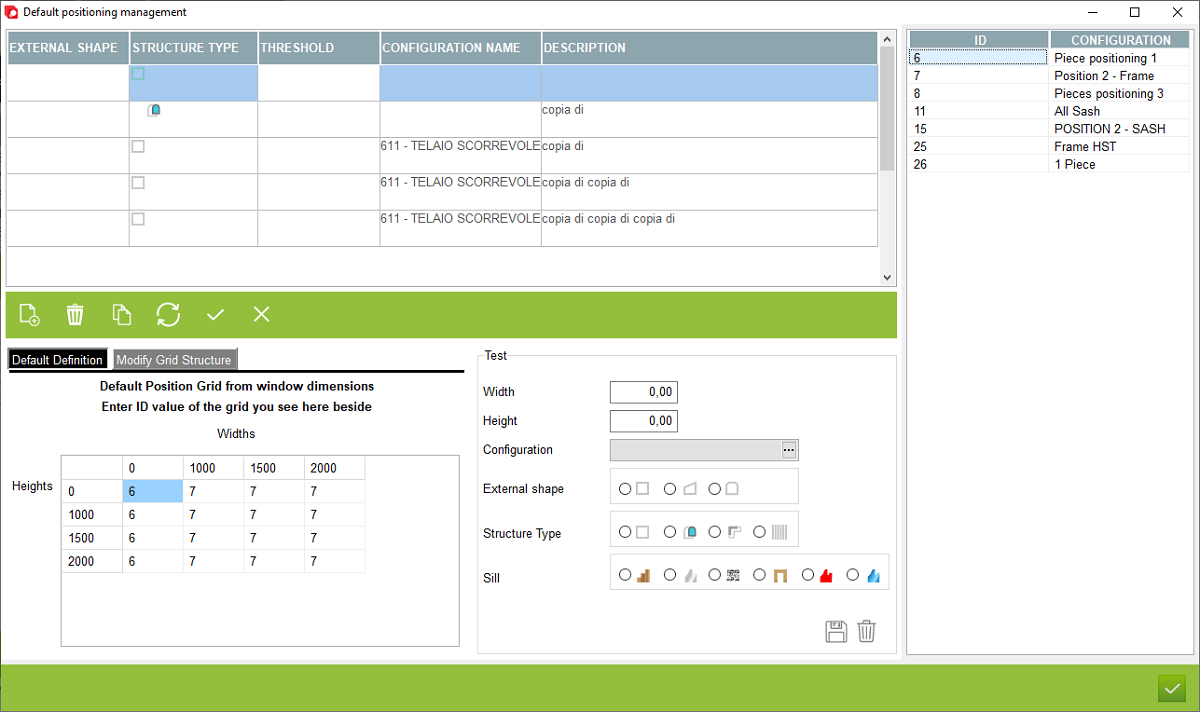
1. Automatic positioning configuration selection
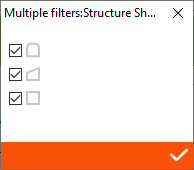
2. Open - Double click to open the external shape filter window
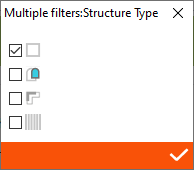
3. Open - Double click to open the structure filter window
4. Open - Double click to open the threshold filter window
5. The place to indicate the name and description of positioning configuration
2. Open - Double click to open the external shape filter window
3. Open - Double click to open the structure filter window
4. Open - Double click to open the threshold filter window
5. The place to indicate the name and description of positioning configuration




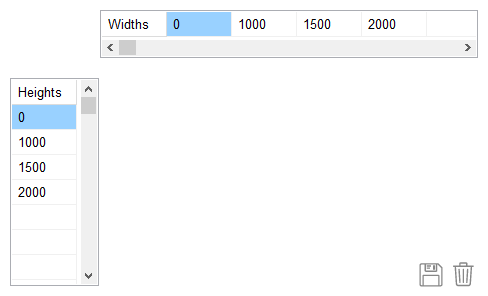


1. Edit height grid
2. Edit Widths grid
2. Edit Widths grid
6. Basic program operation buttons
7. ID and name of the positioning configuration
8. Window for testing configuration settings
9. Configuration selection window depending on structure width and height - To change the configurations, enter the ID number and confirm with the confirm button from point 6.
10. Edit grid button
7. ID and name of the positioning configuration
8. Window for testing configuration settings
9. Configuration selection window depending on structure width and height - To change the configurations, enter the ID number and confirm with the confirm button from point 6.
10. Edit grid button
This is the place in the program where the user can create a default positioning ID selection for a specific length and width of the structure. When generating the program, the program will select the positioning ID depending on the width and height of the structure


