


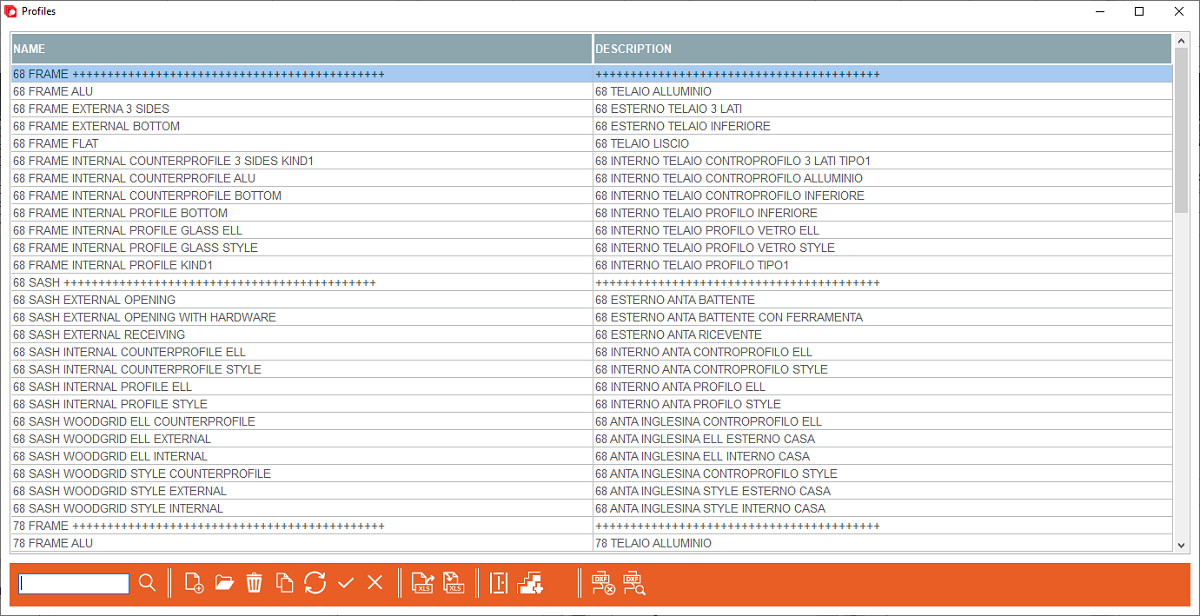


1. Profile name - When creating a new profile, add a name of the profile
2. Profile description - When creating a new profile, add a description of the profile
3. Create a new profile - Opens window for creating new profiles
2. Profile description - When creating a new profile, add a description of the profile
3. Create a new profile - Opens window for creating new profiles
4. Open a profile - Opens a window to edit the selected profile
5. Open the profile families - Opens profile families editing window
6. Open the profile logics - Opens profile logics editing window
5. Open the profile families - Opens profile families editing window
6. Open the profile logics - Opens profile logics editing window
This is the place in the program where the user can add or edit profiles


