


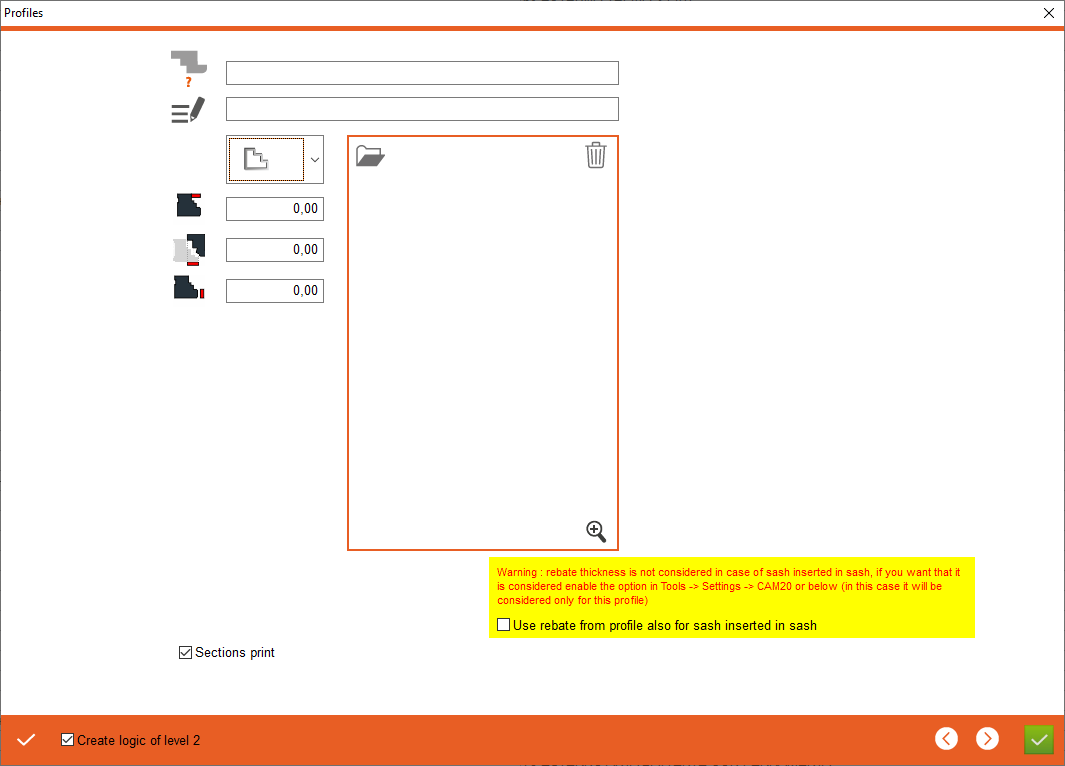


1. Profile name - Enter the profile name
2. Profile description - Enter profile description
3. Profile type - Select profile type, the currently selected profile is the external profile opening to the inside, which enables you to enter the values for this profile type below. If user want to choose other profile please click on drawing or on point 1
4. Rebate size - Entering the size of the rebate
5. Overlap for sash - Add the overlap of the sash on the frame
6. Rebate thickness - Entering the thickness of the rebate
2. Profile description - Enter profile description
3. Profile type - Select profile type, the currently selected profile is the external profile opening to the inside, which enables you to enter the values for this profile type below. If user want to choose other profile please click on drawing or on point 1
4. Rebate size - Entering the size of the rebate
5. Overlap for sash - Add the overlap of the sash on the frame
6. Rebate thickness - Entering the thickness of the rebate


7. Create logic of level 2 - If checked, it will create our profile logic in the CAM2.0 section
8. Apply - Apply the changes, after clicking on the "Apply" button, additional tabs will appear for entering counter profiles and overlaps
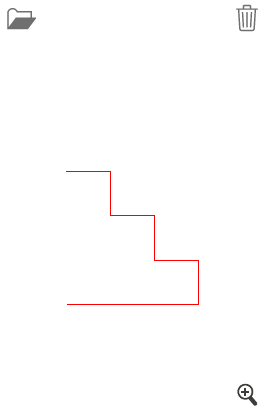
9. Open a drawing - Select profile drawing
10. Delete a drawing
11. Show drawing - Opens drawing preview
8. Apply - Apply the changes, after clicking on the "Apply" button, additional tabs will appear for entering counter profiles and overlaps
9. Open a drawing - Select profile drawing
10. Delete a drawing
11. Show drawing - Opens drawing preview
This is the place in the program where the user defines the profile values


