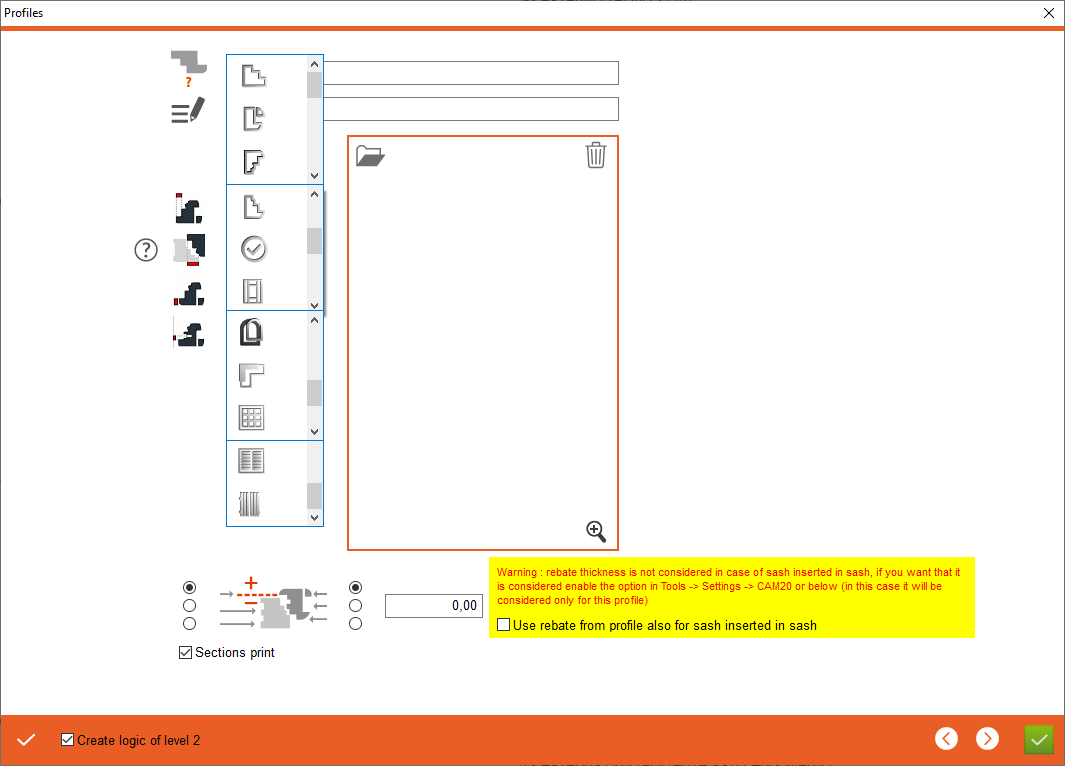


1. Profile name - Enter the profile name
2. Profile description - Enter profile description
3. Profile type - Please select the type of profile to be configured. 1. Internal Frame, 2. Internal Sash, 3. External Sash open out, 4. External sash open in, 5. Other profile/counter-profile, 6. All profiles frame, 7. All profiles sash, 8. Mould, 9. Woodgrid, 10. Blind, 11. Shutter
4. Rebate size - Entering the size of the rebate
5. Overlap for sash in sash - for the sash-in-sash module, we specify the overlap for this solution
6. Rebate thicknes - Entering the thicknes of the rebate
7. Hardware distance - distance for hardware should only be given in the case of special situations
2. Profile description - Enter profile description
3. Profile type - Please select the type of profile to be configured. 1. Internal Frame, 2. Internal Sash, 3. External Sash open out, 4. External sash open in, 5. Other profile/counter-profile, 6. All profiles frame, 7. All profiles sash, 8. Mould, 9. Woodgrid, 10. Blind, 11. Shutter
4. Rebate size - Entering the size of the rebate
5. Overlap for sash in sash - for the sash-in-sash module, we specify the overlap for this solution
6. Rebate thicknes - Entering the thicknes of the rebate
7. Hardware distance - distance for hardware should only be given in the case of special situations



8. Z position correction for sash, relative to frame - Select the positioning point of the sash relative to the frame and enter the value in which position the sash is to be moved
9. Create logic of level 2 - If checked, it will create our profile logic in the CAM2.0 section
10. Apply - Apply the changes, after clicking on the "Apply" button, additional tabs will appear for entering counter profiles and overlaps
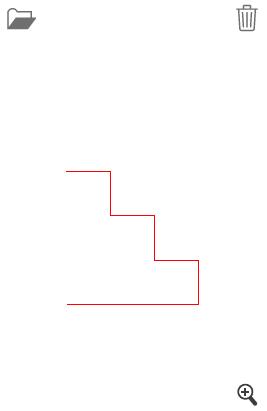
11. Open a drawing - Select profile drawing
12. Delete a drawing
13. Show drawing - Opens drawing preview
9. Create logic of level 2 - If checked, it will create our profile logic in the CAM2.0 section
10. Apply - Apply the changes, after clicking on the "Apply" button, additional tabs will appear for entering counter profiles and overlaps
11. Open a drawing - Select profile drawing
12. Delete a drawing
13. Show drawing - Opens drawing preview
This is the place in the program where the user defines the profile values