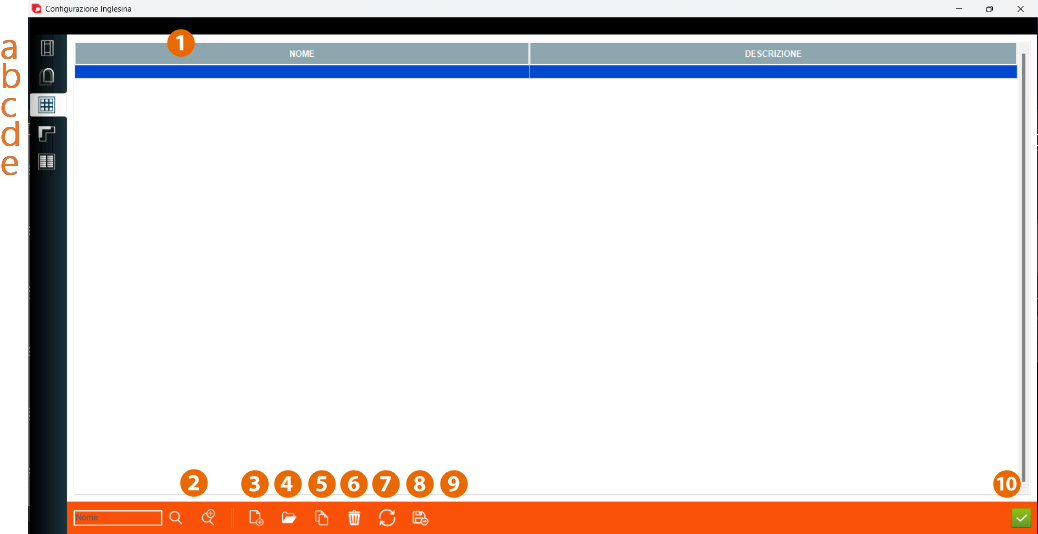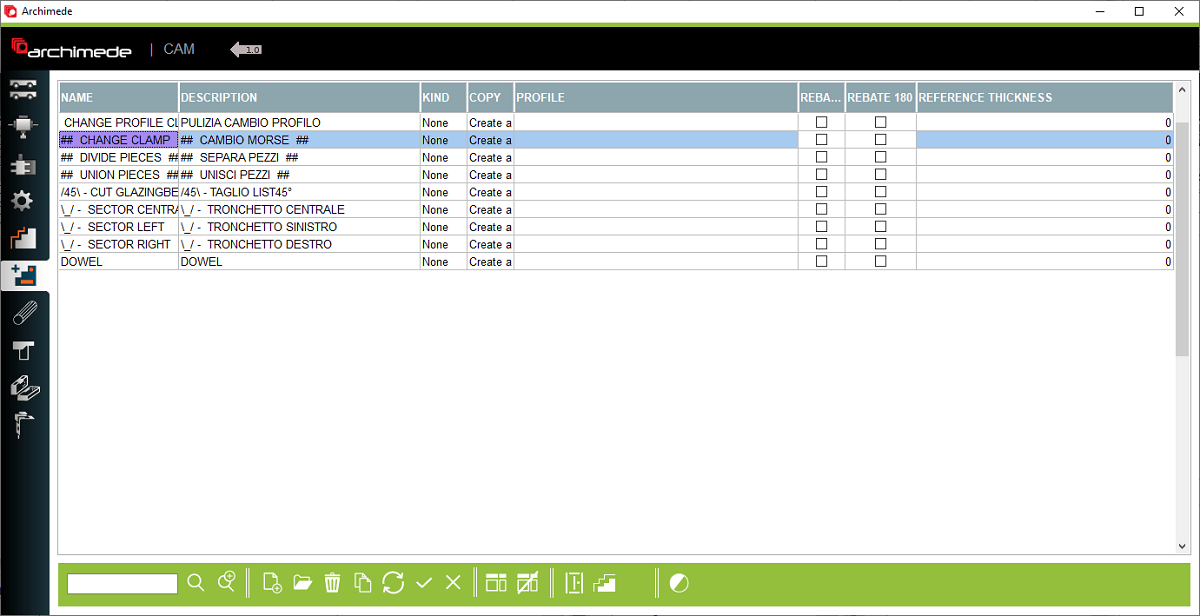


1. Name and Description of profile - Name and description of the accessory logics
2. Kind - You can choose the kind of profile, which will change the color to make it clearer
3. Profile - name of profile
4. Rebate 90 - Rotate the profile 90 degrees
5. Rebate 180 - Rotate the profile 180 degrees
6. Reference thickness - Place to entering the reference thickness of profile
7. Profile families - Open the profile families window
8. Profile - Open the profile window
9. Change logic visibility - Change so that profile logic is not visible or visable
10. Open logic profile or create new accessory logic - Create or open the windows of the selected logic profile
2. Kind - You can choose the kind of profile, which will change the color to make it clearer
3. Profile - name of profile
4. Rebate 90 - Rotate the profile 90 degrees
5. Rebate 180 - Rotate the profile 180 degrees
6. Reference thickness - Place to entering the reference thickness of profile
7. Profile families - Open the profile families window
8. Profile - Open the profile window
9. Change logic visibility - Change so that profile logic is not visible or visable
10. Open logic profile or create new accessory logic - Create or open the windows of the selected logic profile
This is the place in the program where the user can add accessory profile logics for configuration